Example for creating a multilingual message dialog
The following section will demonstrate the translation functionality by means of a simple example for creating a language-independent message dialog.
The sample package I18NDialogTutorial.pkg is stored in the tutorial directory Tutorial-Multilingualism.
Establishing string variables
First create the following string variables in the variable tab:
DialogTitle with the initial value:
WarningOkButton with the initial value:
CloseDialogMessage with the initial value:
Please close the dialog.
Translation
Already in the creation phase you can, while entering the initial value, click on a language flag and put in translations.
Another possibility is offered by menu item Check translation package in the toolbar. It also opens the translation dialog and shows all text passages in the package to be translated.
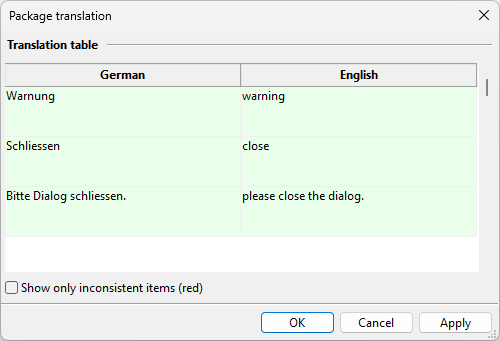
Translate message dialog
In order to present the message dialog independently of a language it is necessary to enter the variables created above into the corresponding fields, as demonstrated in the screenshot.

Result
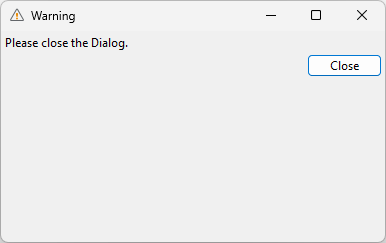
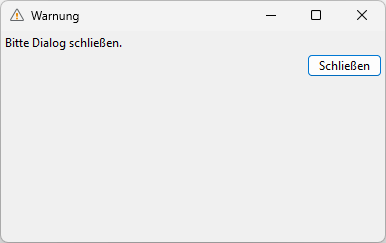
The result for a chosen language (see chapter Settings) is shown in the following screenshots.