ecu.test drive
Summary
ecu.test drive is a web application for optimized display and execution of interactive test cases. The user interface is adapted for mobile devices like smartphones and tablets. ecu.test drive can be opened on these devices as well as locally in a browser.
Features
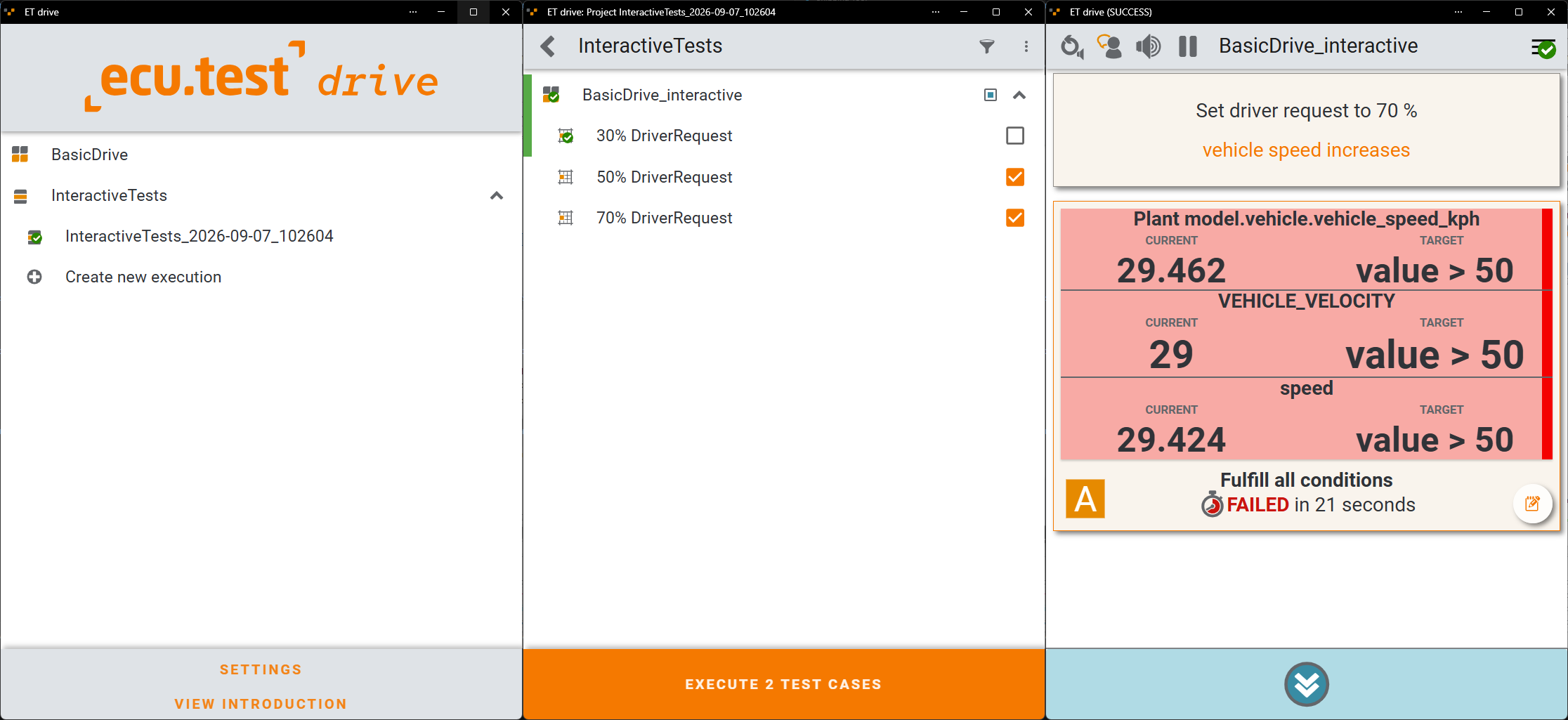
Display and start of open test cases (Packages, Projects)
All compatible test cases and projects that are open in ecu.test are displayed in ecu.test drive and can be started from there. The execution of projects can be interrupted after each package and resumed later (see also Selective Testing). Started executions then appear in the list of open test cases and can be resumed from there.
Display of package descriptions
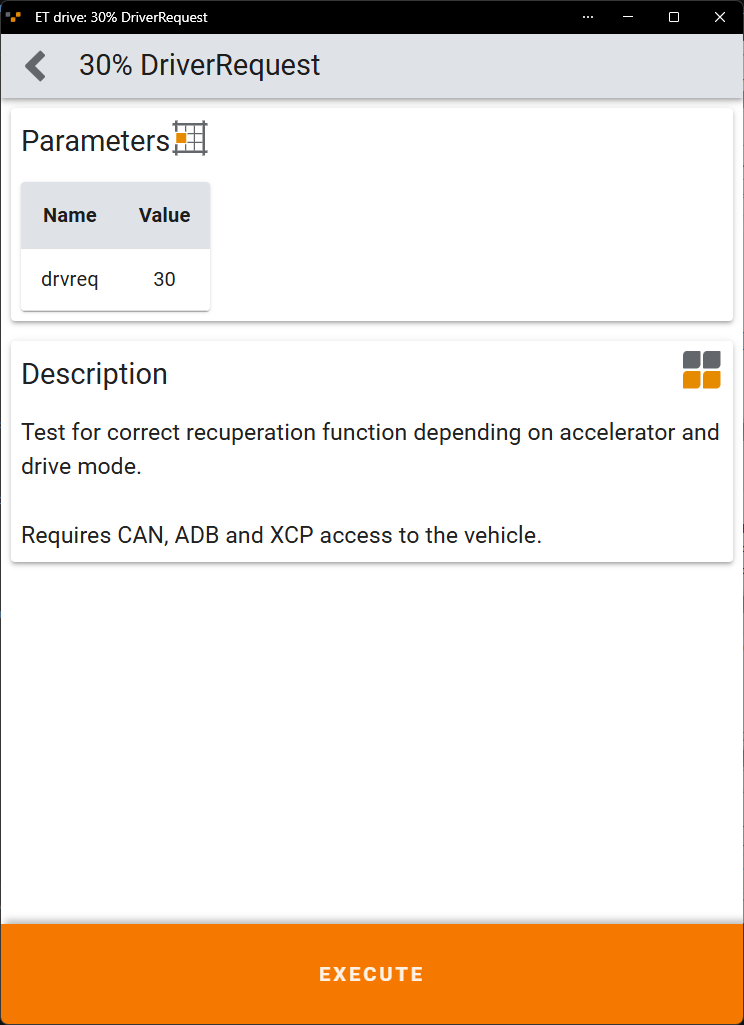
The parameterization and description of packages are displayed in ecu.test drive. Images referenced in the package description can also be displayed here. Images can be integrated via <img src=”path/to/image”/>.
Selection of project components to be executed
After selecting a project, the packages and parameter sets to be tested can be selected. Previous results are displayed for each step.
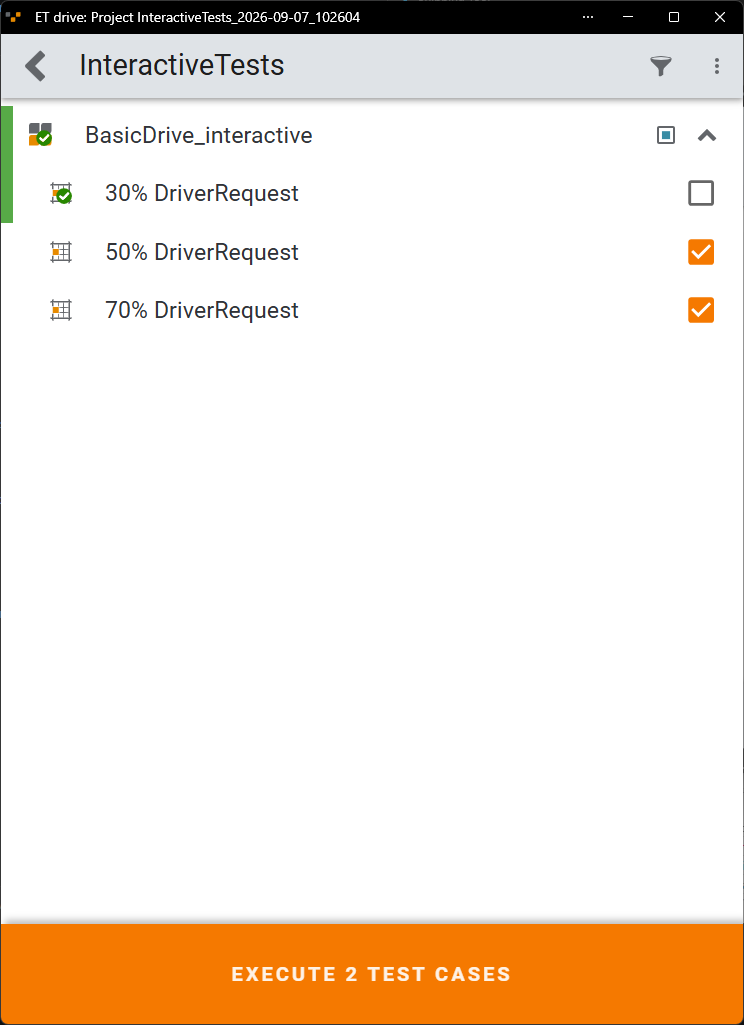
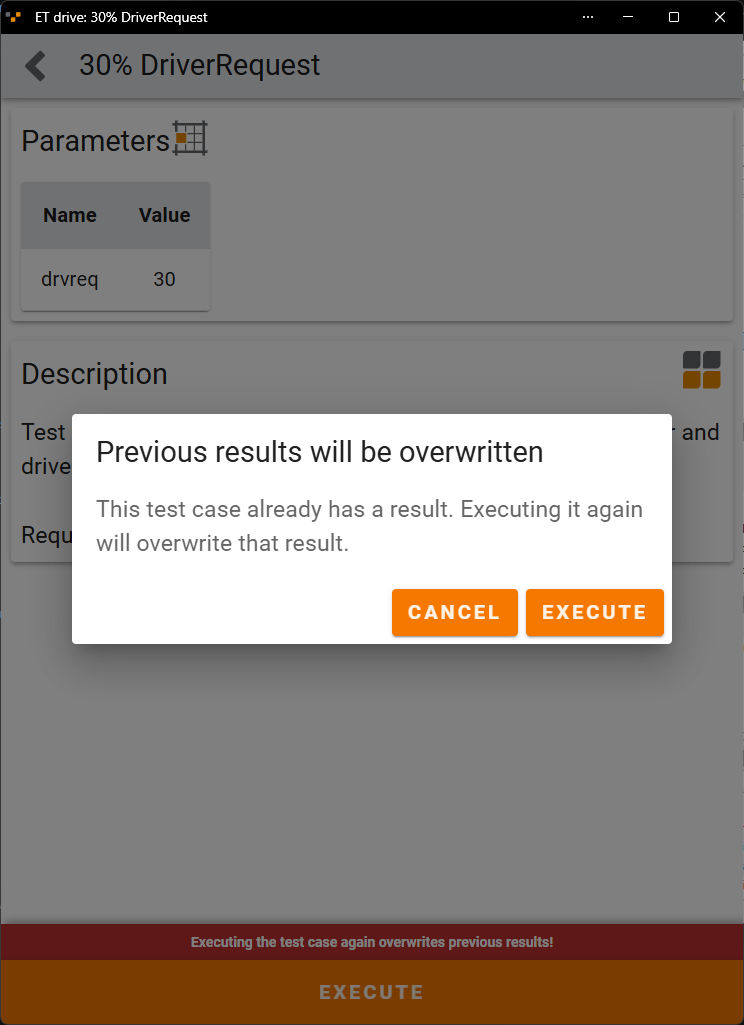
Packages and parameter sets can be executed again, if necessary. Since a repeated execution overwrites the previous result, the user interface clearly points this out.
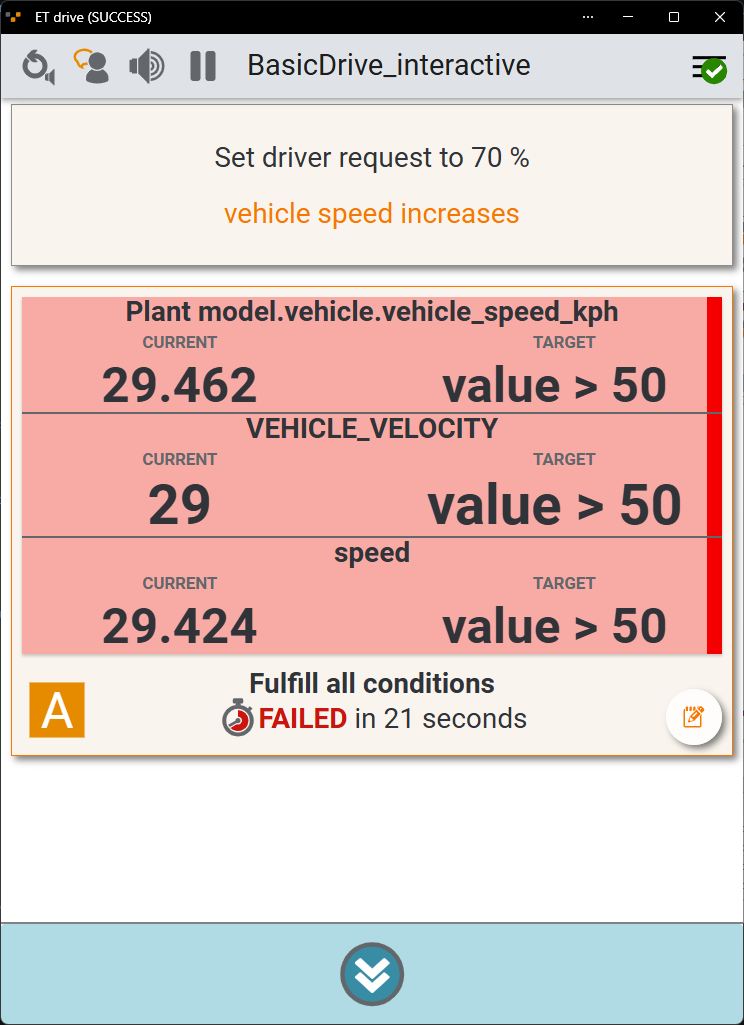
Display and interaction with interactive test steps during execution
During the execution of test cases, interactive test steps are displayed in the user interface (see Supported test steps). User instructions and expected results can also be read aloud to support the user while e.g. operating the vehicle according to the test steps.
Manual steps (e.g., empty blocks marked as interactive) pause the test execution until a manual evaluation is performed. For all other test steps, execution is automatically resumed as soon as the expected condition is met. Manual evaluation of automatic steps is also possible. In this case, execution is likewise resumed as soon as the evaluation is complete.