Defining masks
A mask defines one or more rectangular sections of an image. They can be used in a test case to read only a specific part of the image.
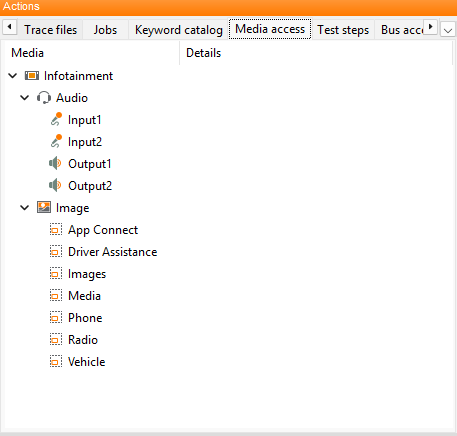
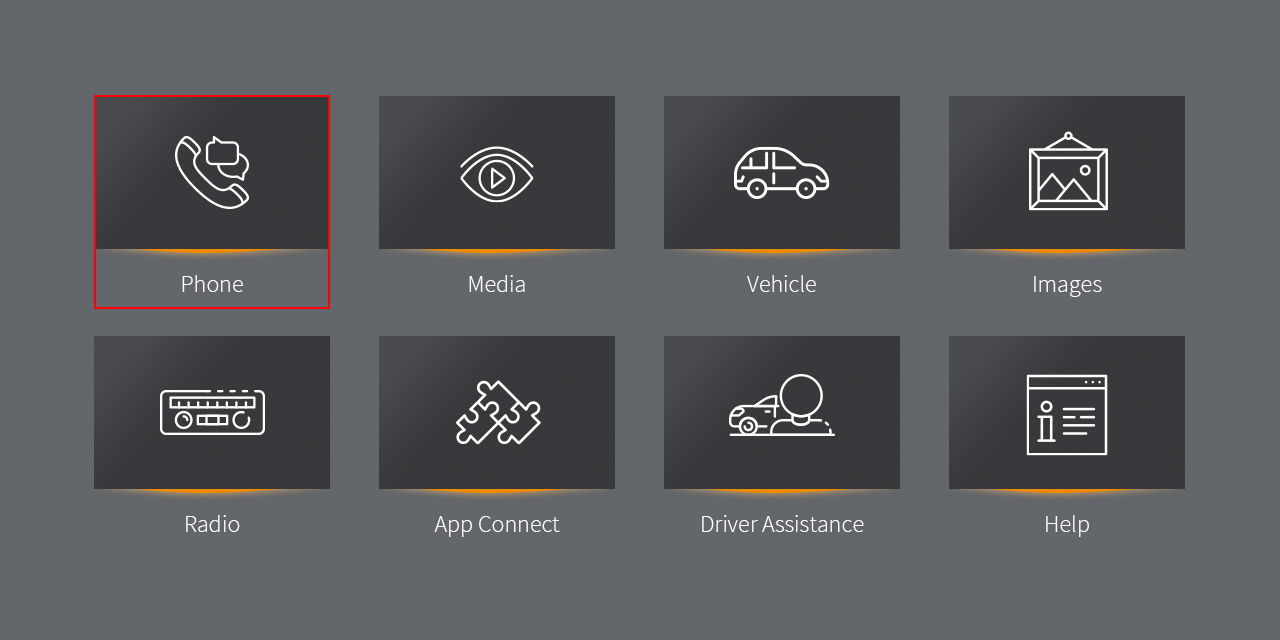
The first picture shows a selected mask in the tree of the media access tab. The second picture shows an image that has been read by the camera with one mask highlighted.
Mask files have to be located within the image path that has been defined in the test configuration. It is recommended to place the reference images that will be used as expectation in the test case next to their corresponding mask.
Creating mask files
Mask files can be created by selecting from the main menu.
This opens the Mask editor which can be used to create and edit masks graphically. Alternatively masks can also be created using the Object API, see MultimediaApi.